Premium
it carts it the second it appears
An alert tells you something is in stock. It does not help if the listing goes live at 3am, or while you are driving, or in the four minutes you were in a meeting. On the items that genuinely sell out in minutes, the gap between knowing and acting is where you lose.
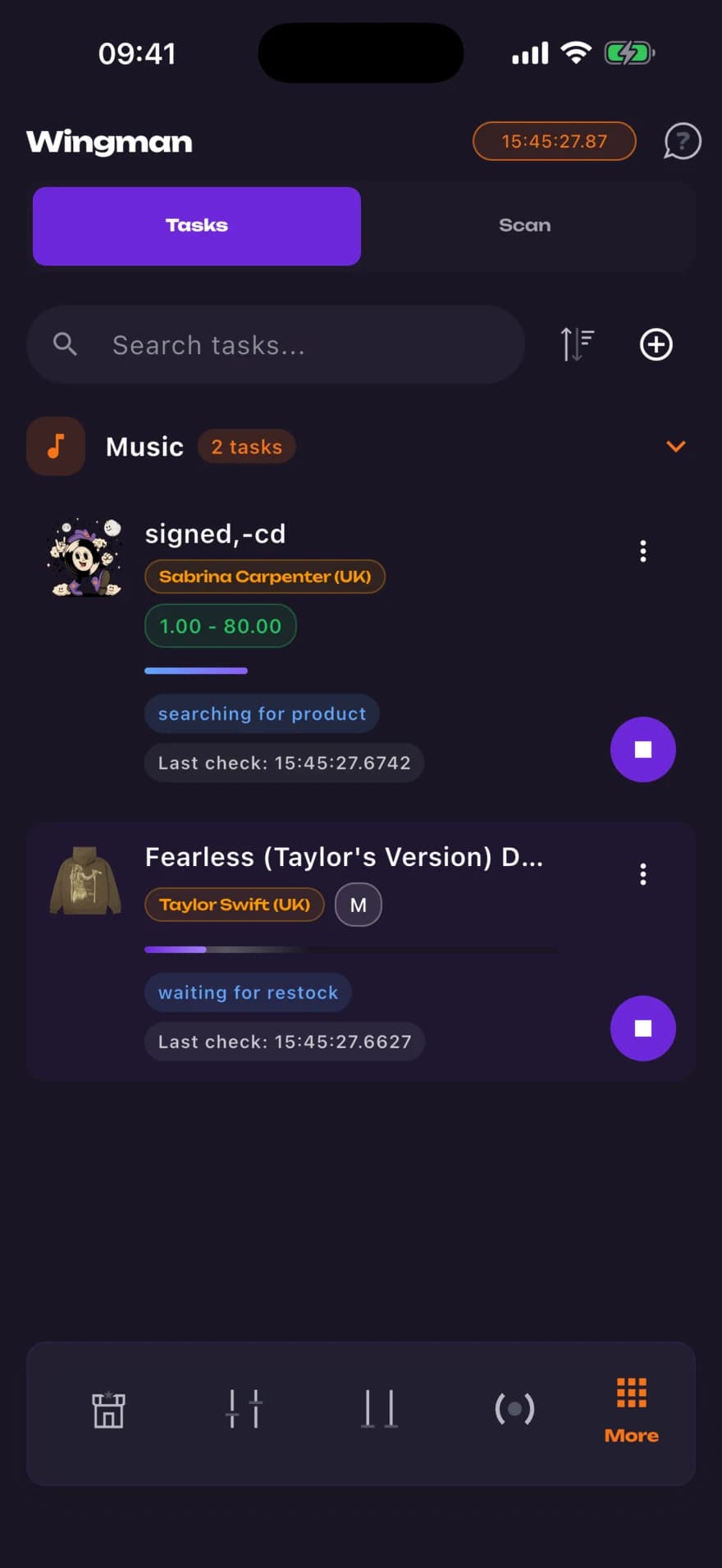
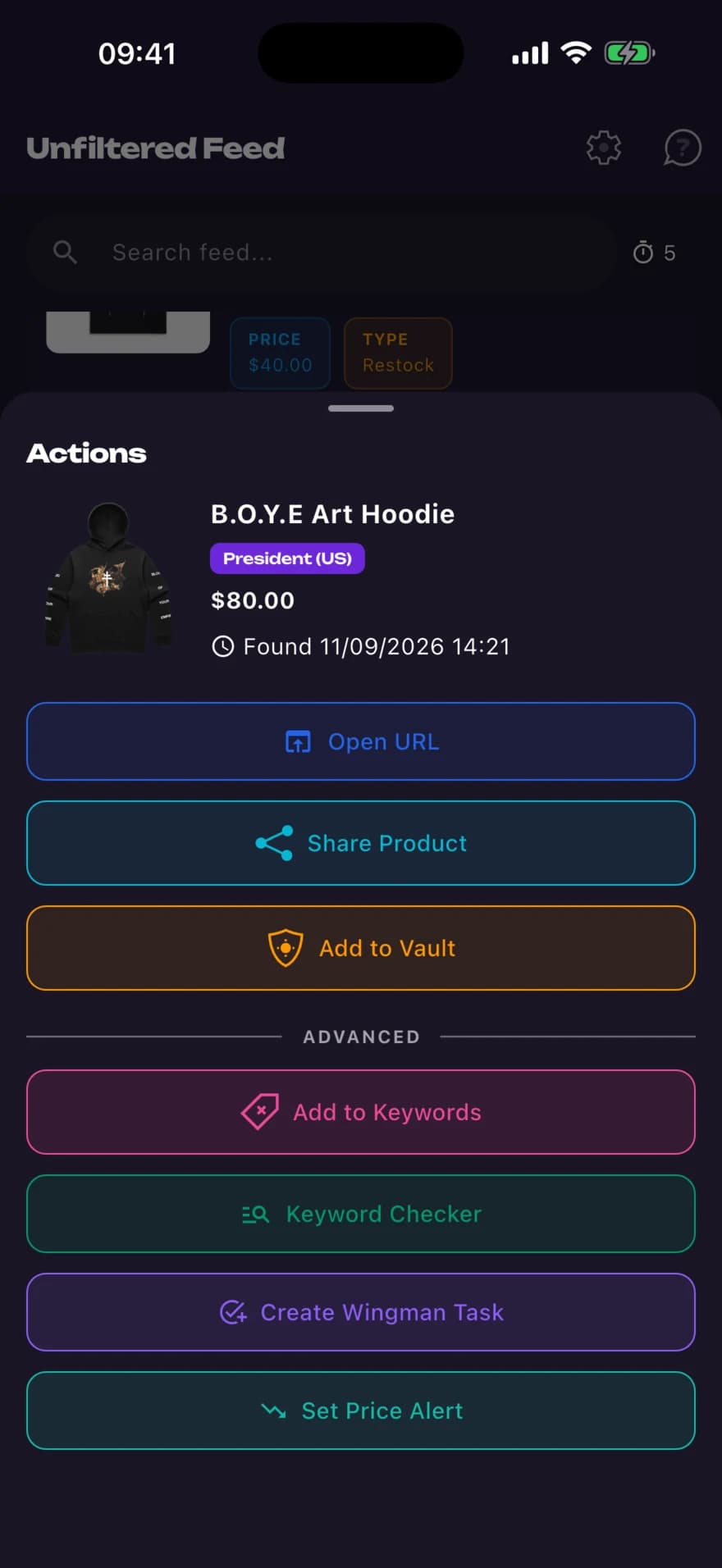
A Wingman task closes that gap. You set the store, the keywords, the sizes you would accept and a price range. The task then checks that store every second, and the moment something matches it builds a cart link for that exact variant and opens it in your browser with a notification.
It doesn't pay for anything. You arrive at a cart with the item in it and finish checkout yourself.
how it works
- 01
Pick a store
Any supported store, or paste a Shopify URL to run a task against a shop MerchVault does not track yet.
- 02
Set the filters
Positive and negative keywords, the sizes you would take, and an optional min and max price so it never carts something at the wrong price.
- 03
Leave it running
The task polls every second and shows its status, from searching for product through to waiting for restock.
why it matters
Sizes are where stock really runs out
A listing stays live while the three common sizes go. Pin a task to your sizes, or tick the fallback so it takes whatever is left instead of waiting.
Negative keywords matter
Matching runs on the product title and URL, so a negative keyword like cd is what stops a task carting the wrong format.
A price range is a safety net
Set a maximum and the task stops instead of carting something priced above it.
questions
Does Wingman buy the item for me?
No. It adds the matching variant to a cart and opens that cart in your browser, then notifies you. You complete checkout yourself, so payment and address details never leave your hands.
Does it run in the background?
No, and this is the honest limitation. Tasks only poll while the app is open on the Wingman page, so it suits a drop you're waiting up for rather than one you are asleep through.
How many tasks can I run at once?
Three at a time. You can save as many as you like and start whichever three matter today.
Can I use it on a store you don't track?
Yes. Paste any Shopify store URL and the app verifies it's Shopify before letting you build a task against it.
Are my tasks synced to my account?
No, they are stored on the device, so tasks you build on your phone won't appear on another device.
the rest of it
Developed for mobile:

